The best label makers range from pocket-size Bluetooth printers for pantry and classroom labels to desktop machines built for shipping and retail workflows. Choose by label width, device compatibility, and whether you need everyday organization labels or 4×6 shipping labels.
Quick Top Products
Phomemo M250
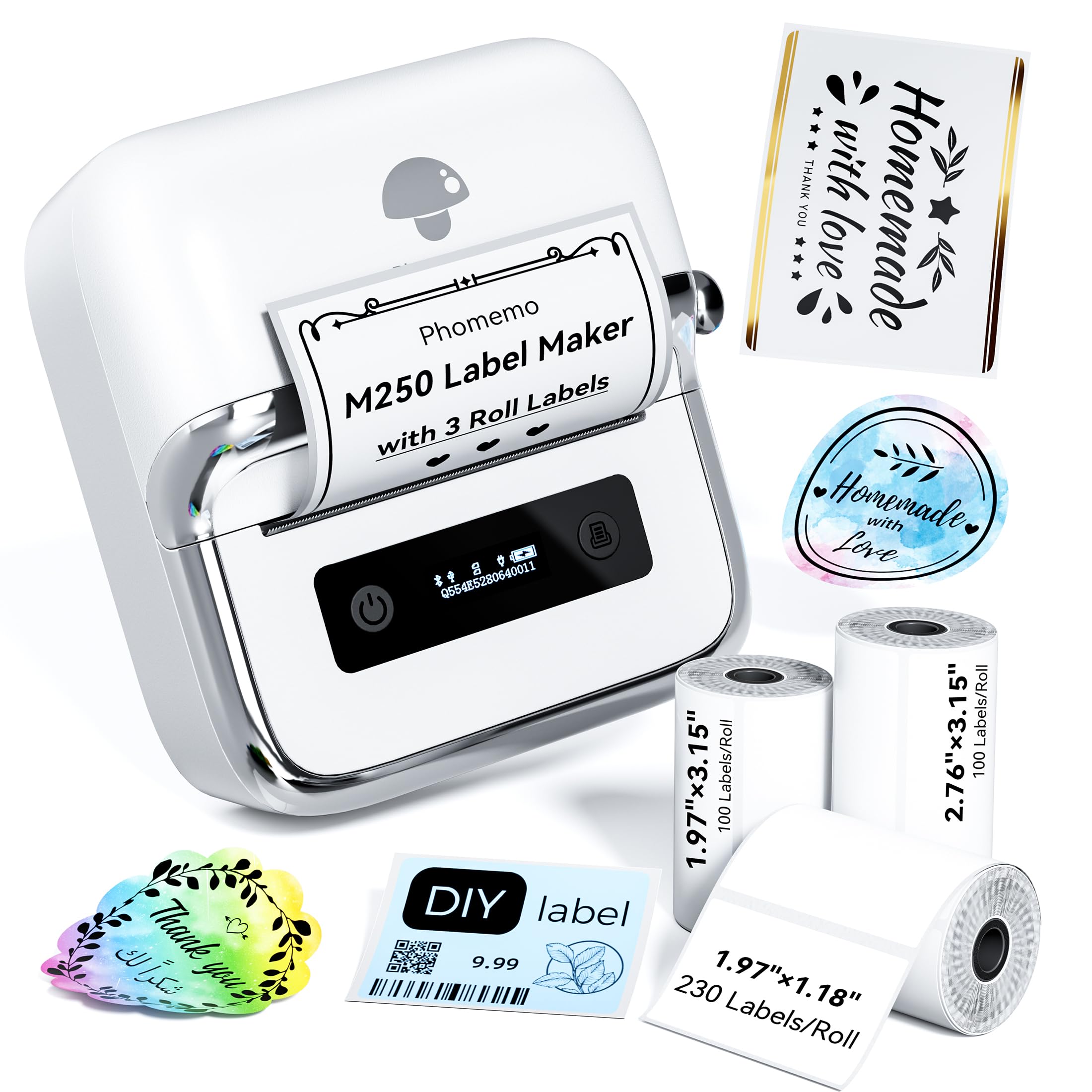
- Supports label widths from 20 to 75 mm.
- Includes three label rolls in different sizes.
- Connects through Bluetooth or USB.
Best For: People who want a portable label maker that handles labels up to 75 mm wide.

Phomemo M120
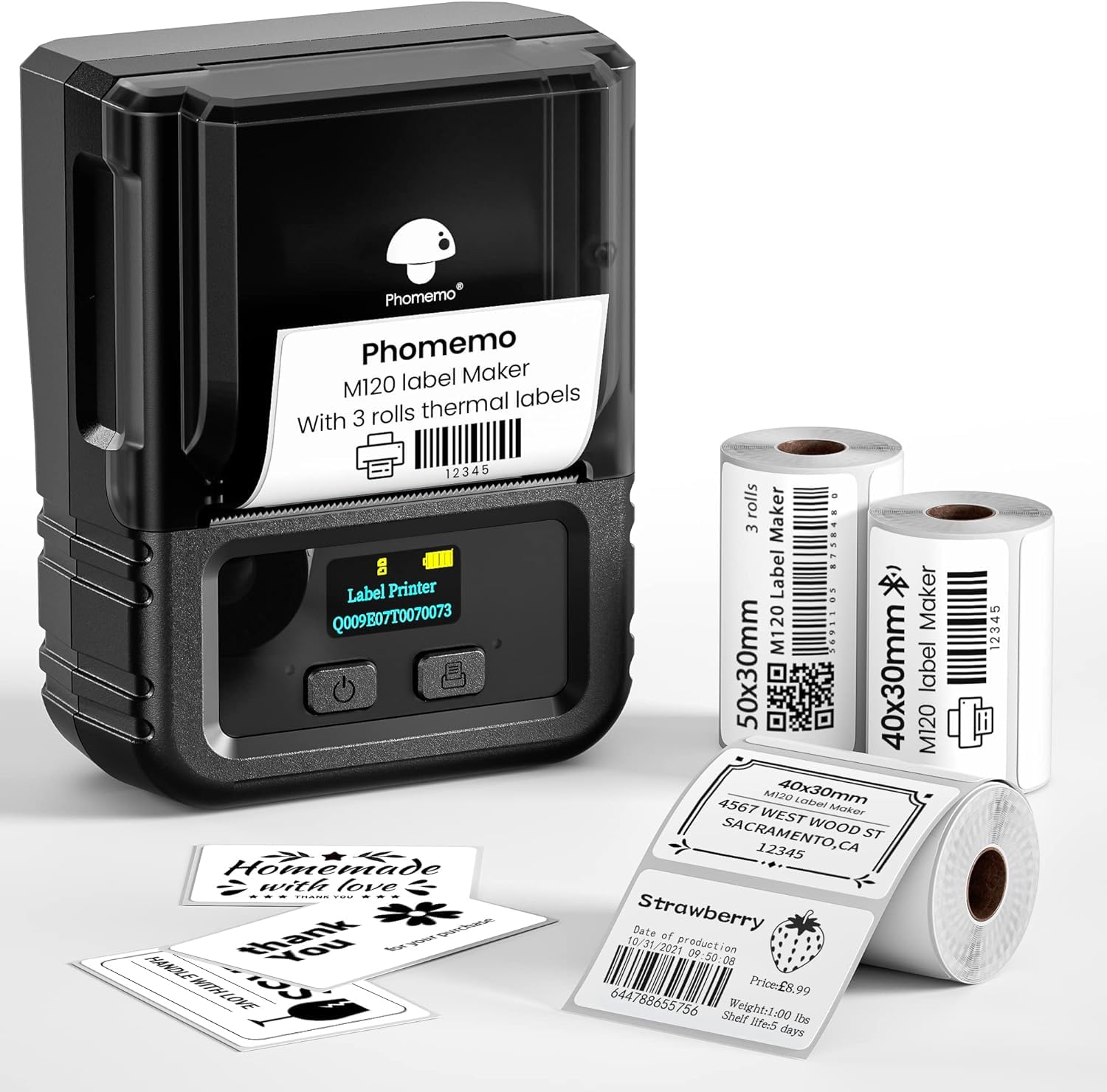
- Weighs 200 g and supports 20–50 mm label sizes.
- Includes three rolls in two sizes.
- Connects to phones by Bluetooth and PCs by USB.
Best For: Users who want a lightweight label maker with both mobile Bluetooth and PC USB printing.
Memoqueen M110
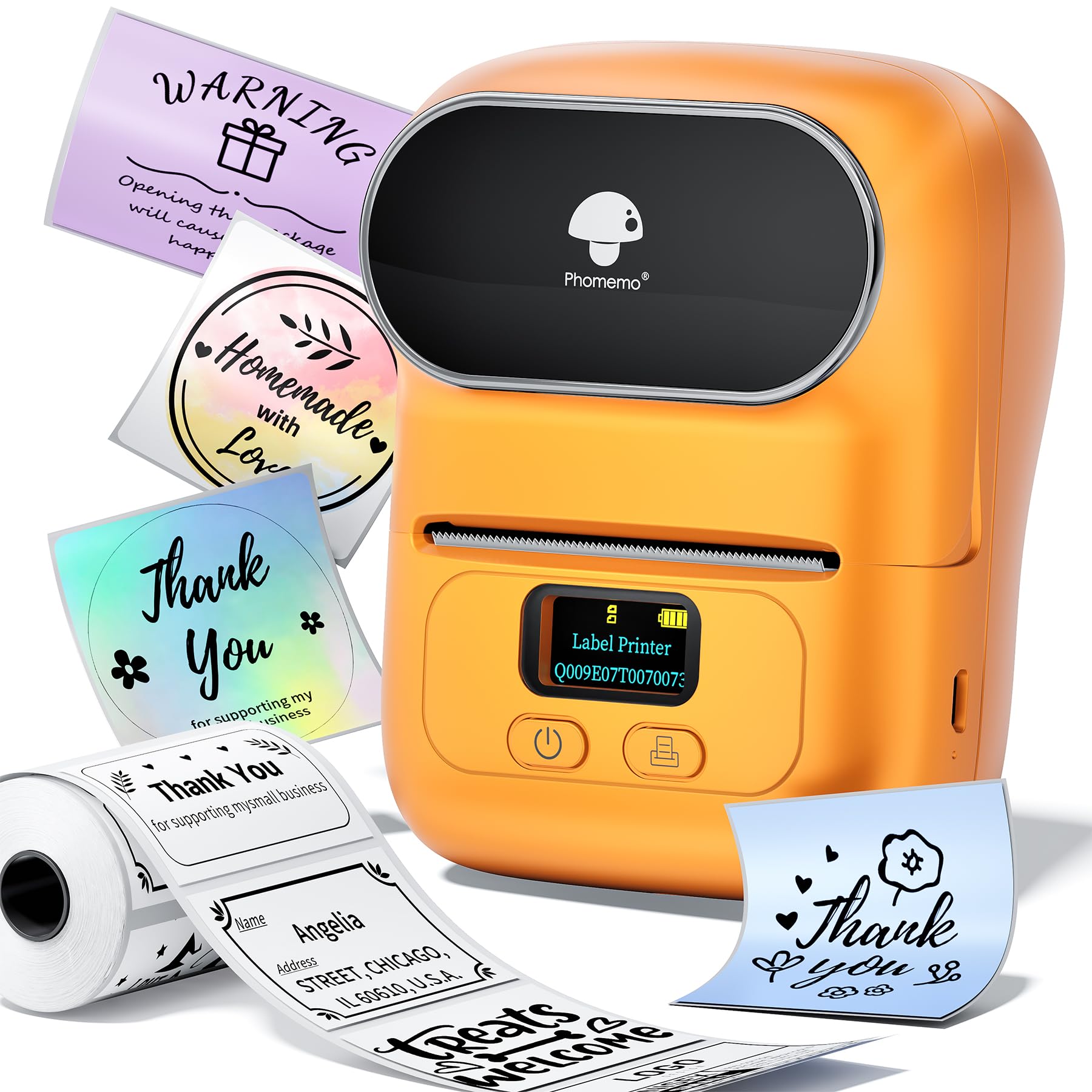
- Supports label widths from 20 to 50 mm.
- App supports Excel batch printing and custom templates.
- Includes a 40×30 mm thermal label roll.
Best For: Small businesses printing batches of product, price, barcode, or clothing labels from a phone.
NIIMBOT B21
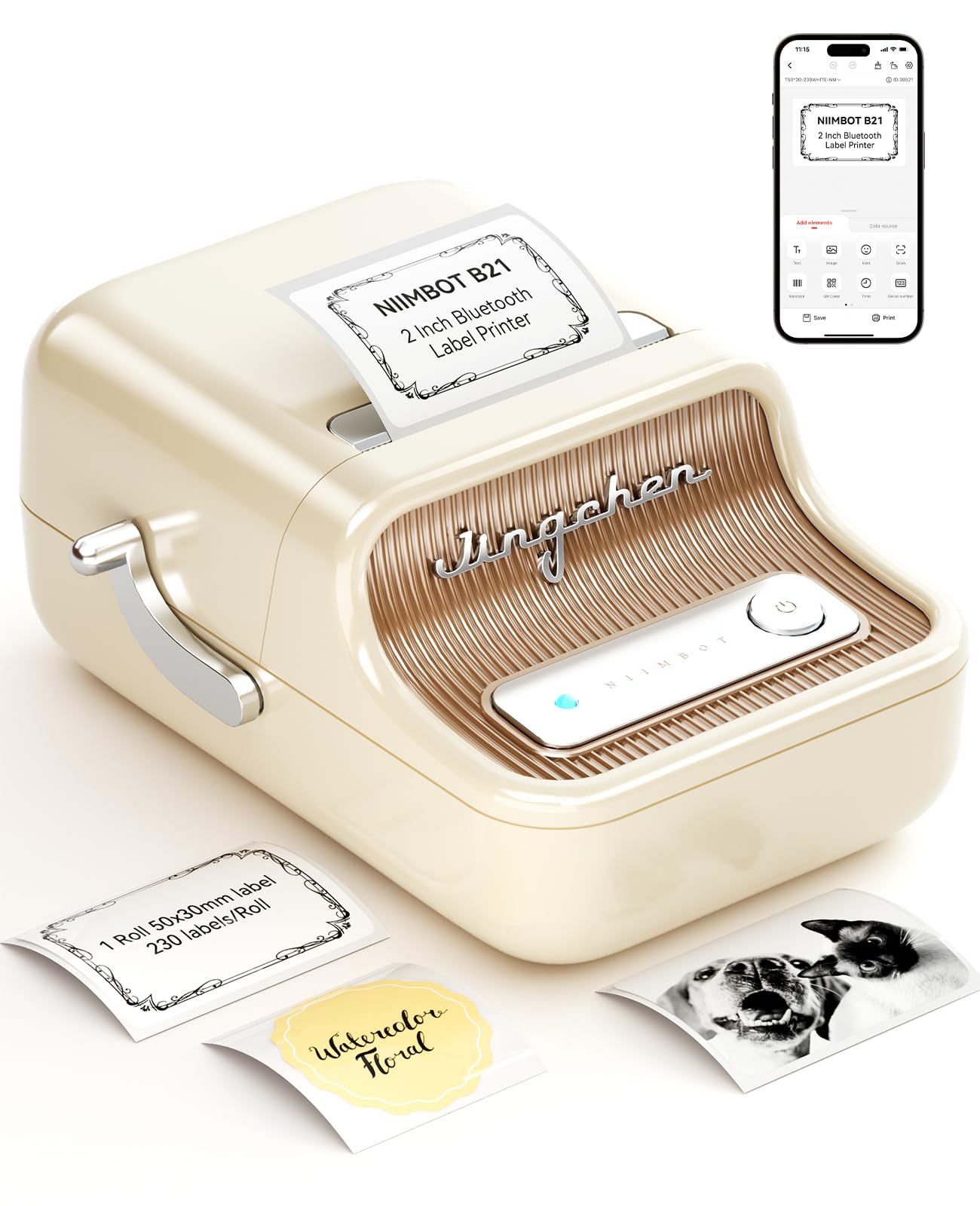
- Supports label widths from 0.8 to 2 inches.
- App offers Excel batch printing and code recognition.
- Thermal printing avoids ink, toner, and carbon tape.
Best For: Retail and craft users who need Bluetooth printing on labels up to two inches wide.
Phomemo M220
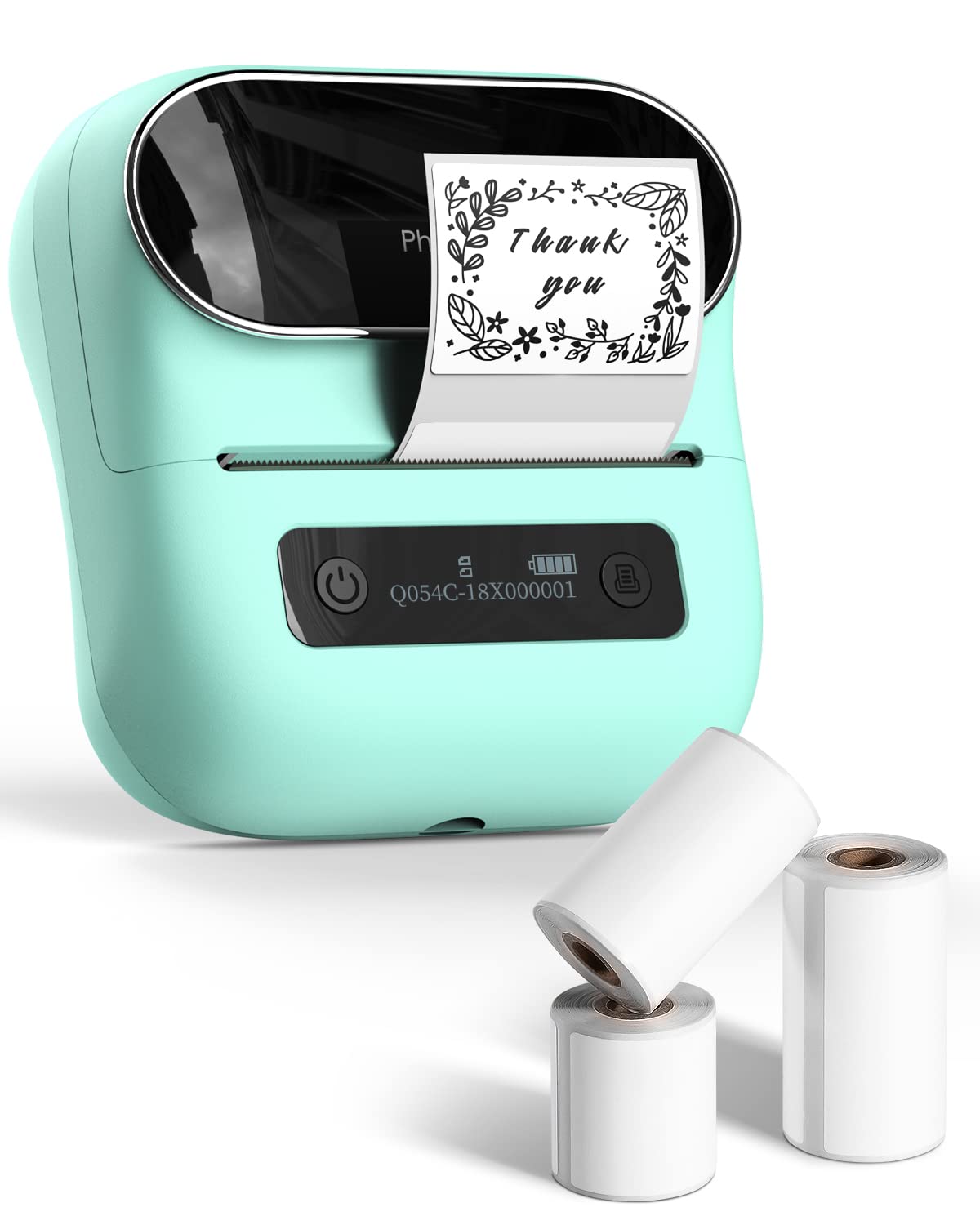
- Supports label widths from 0.78 to 3.14 inches.
- Connects by Bluetooth to mobile devices and USB to computers.
- App supports barcodes, QR codes, OCR, and templates.
Best For: Users needing labels up to three inches wide for home, office, school, or retail tasks.
Nelko PM220
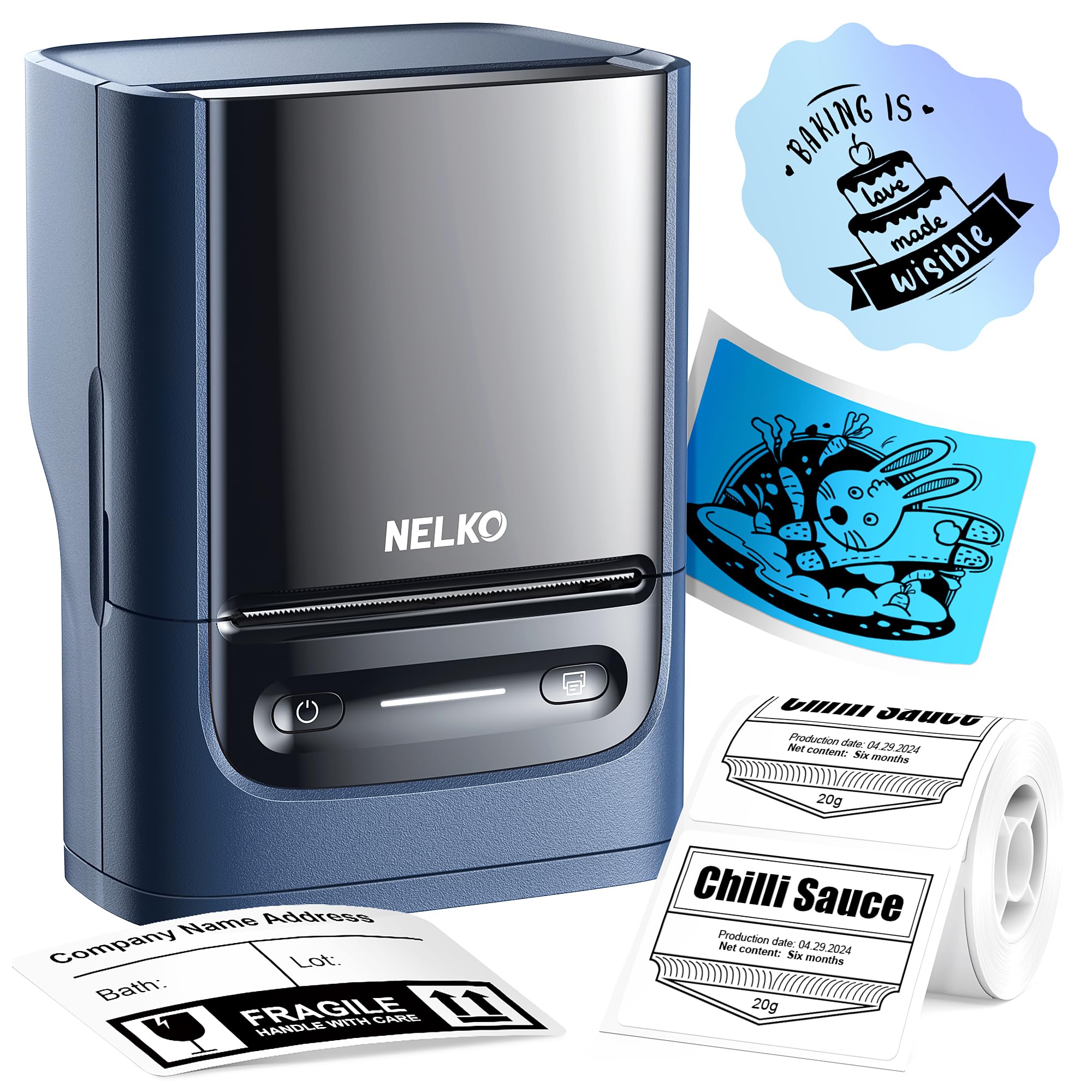
- Supports 23–54 mm labels.
- Compatible with phones and PCs using the required apps or drivers.
- Includes label tape and a calibration button.
Best For: Users who want a compact two-inch label maker that can print from either a phone or PC.
Phomemo D30
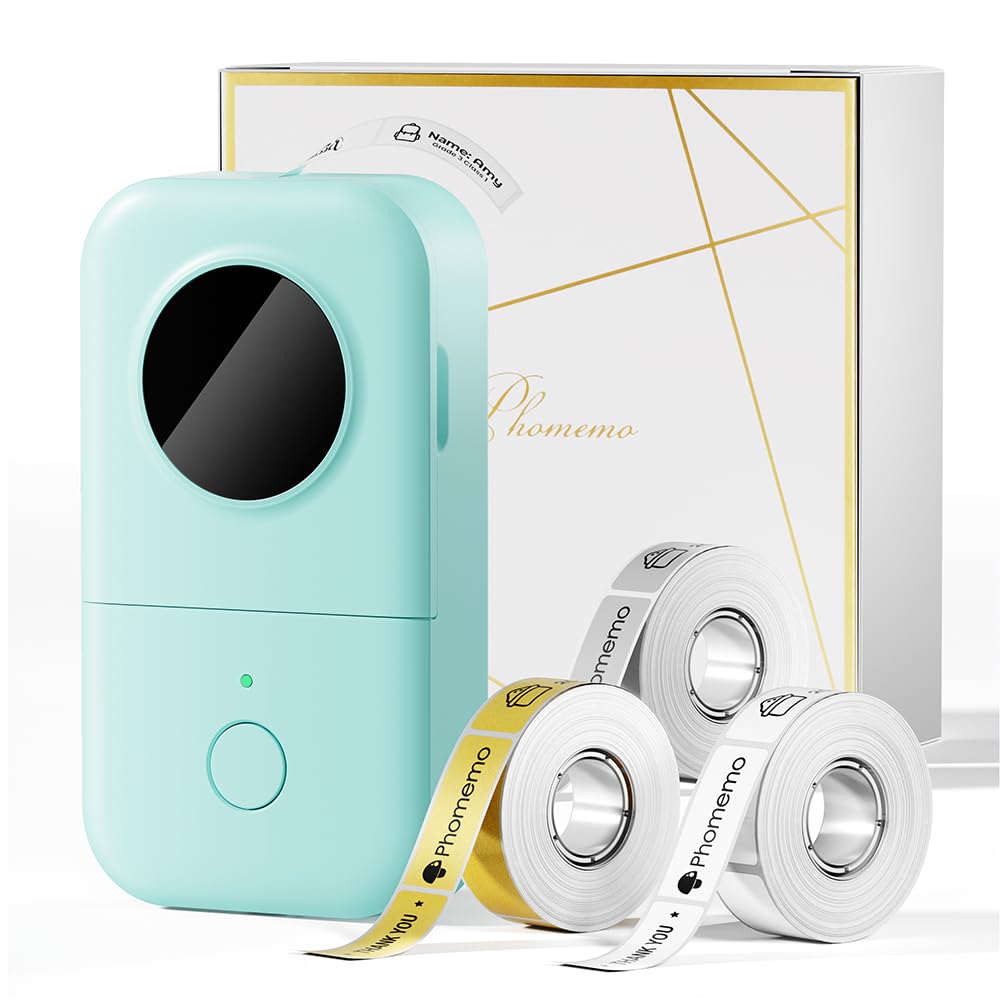
- Includes white, gold, and clear tapes.
- Supports continuous and fixed-length labels.
- App includes over 1,000 symbols and 110 frames.
Best For: Home and classroom organizers who want a pocketable printer with extensive label design options.
Phomemo P12
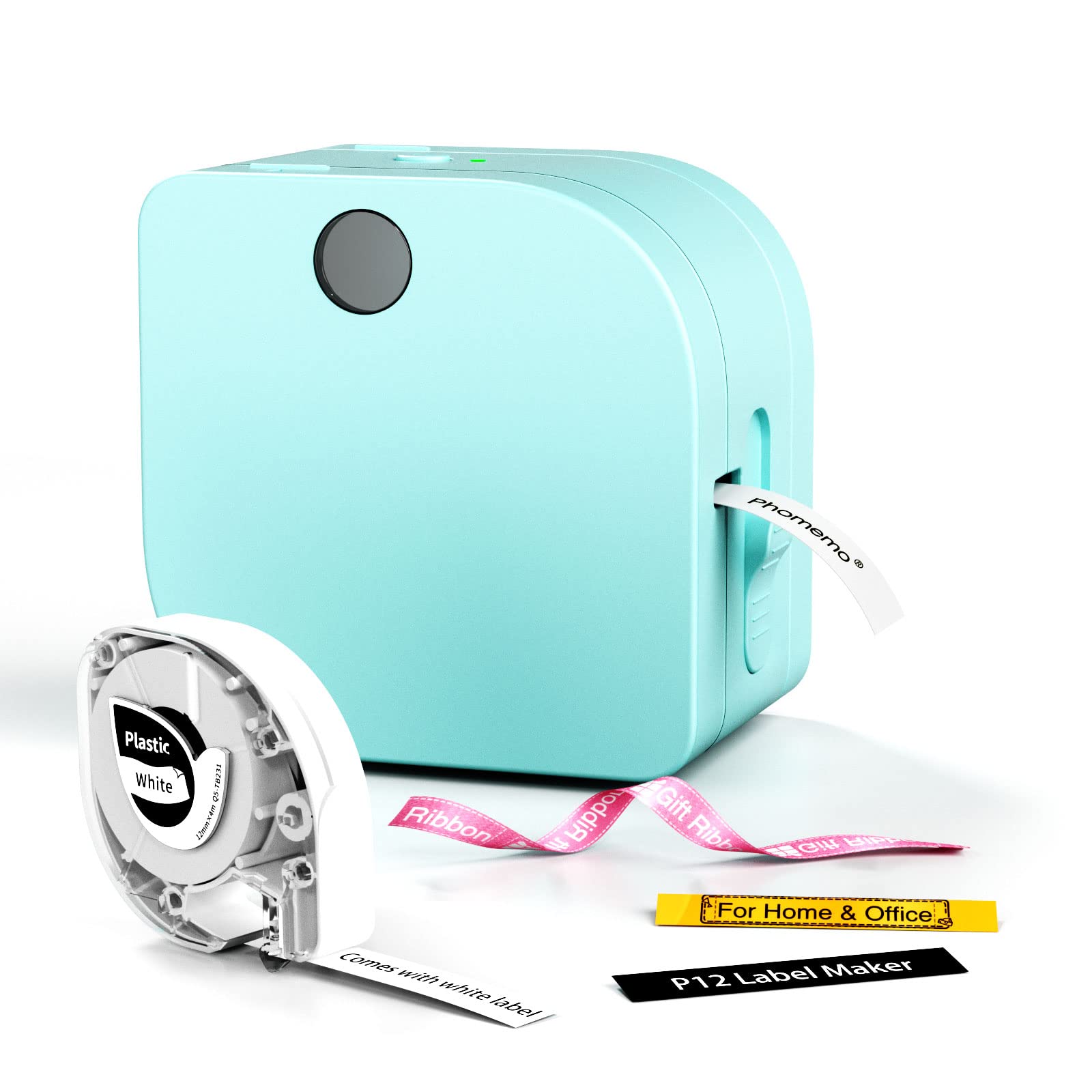
- Supports thermal labels and thermal transfer labels.
- App offers Excel import, OCR, barcode tools, and templates.
- Runs on USB-C power or six AAA batteries.
Best For: Crafters and organizers who want a small label maker with thermal and transfer-label options.
NIIMBOT D110
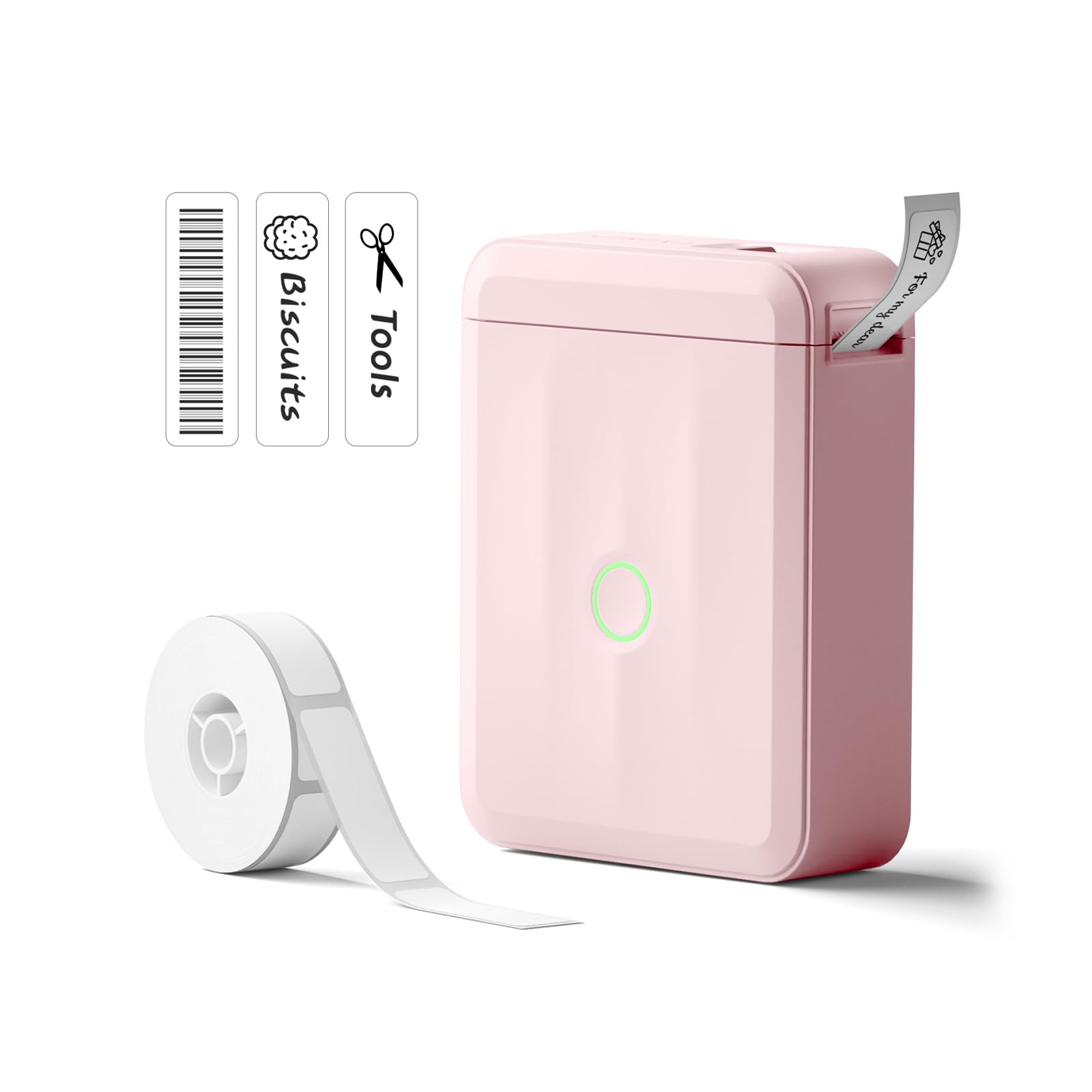
- Rechargeable and rated to charge fully in two hours.
- App supports batch printing and label recognition.
- Compatible with iOS and Android phones.
Best For: Phone users who want a rechargeable mini label maker for home, school, and office organization.
Omezizy D520BT
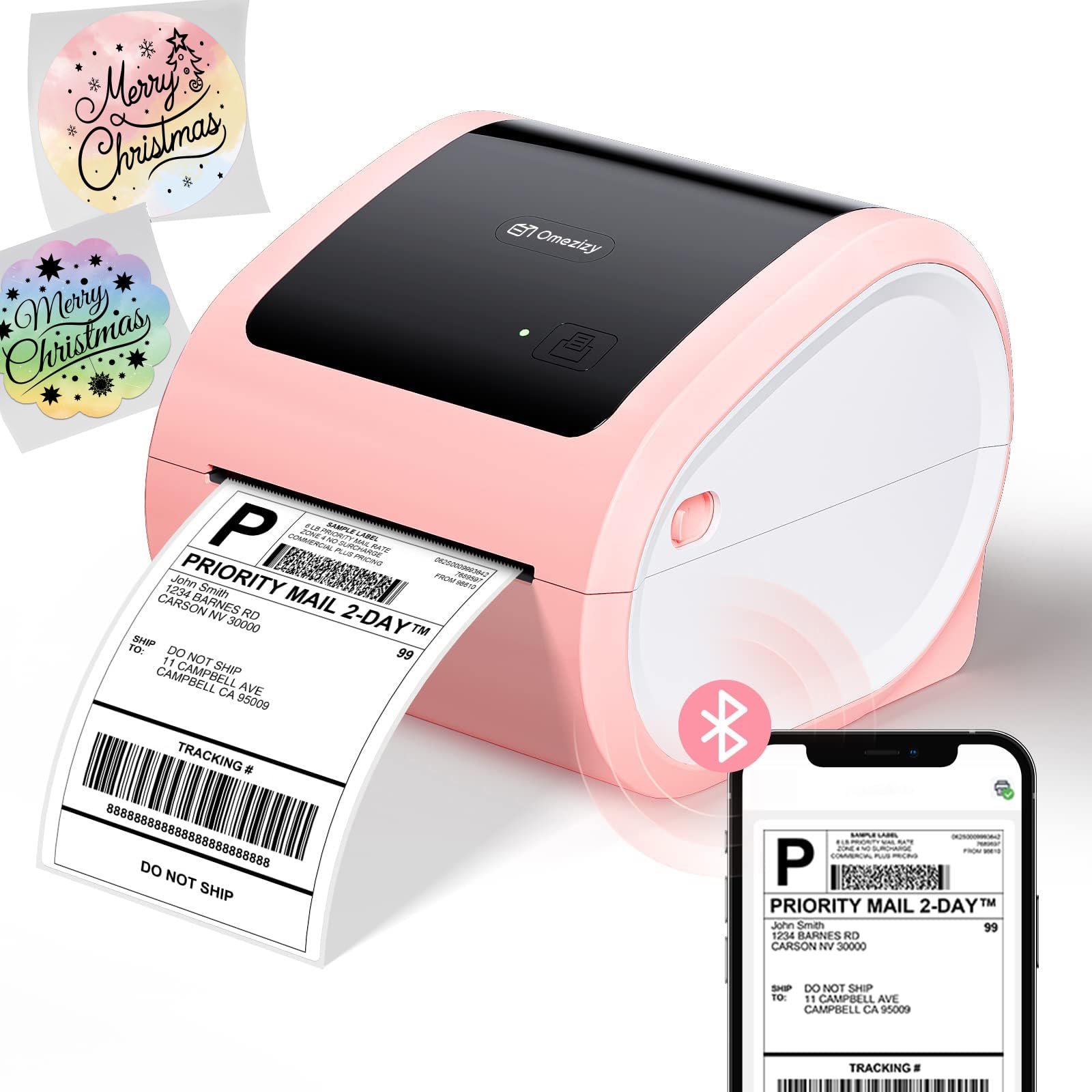
- Supports labels from 1 to 4.6 inches wide.
- Accepts internal rolls or rear-loaded fanfold paper.
- Connects by Bluetooth or USB and is rated for up to 72 labels per minute.
Best For: Small businesses that want a 4×6 shipping printer with internal roll storage and flexible connections.
Wide-Format Portable Labeling
Phomemo M250 3 Inch Label Maker Machine with 3 Roll Labels | Bluetooth Thermal Label Printer, Upgrade Portable Barcode & Address Label Maker for Business, Home, School, Logo Label
The Phomemo M250 offers a wider format than compact label makers, supporting labels from 20 to 75 mm. Its Bluetooth and USB connections work with Android, iOS, iPad, macOS, and Windows 7 or later.
The included rolls cover three sizes, and the Print Master app provides templates, fonts, symbols, QR codes, batch printing, and voice input. A 2,200 mAh battery is rated for up to 5,000 labels per charge.
It weighs 390 g, so it is portable but larger than the pocket-size options in this guide.
Best For: People who want a portable label maker that handles labels up to 75 mm wide.
| Pros | Cons |
|---|---|
|
|
Choose the M250 if you need a portable printer for labels wider than the formats supported by many compact models. It has Bluetooth and USB connectivity and works with several mobile and desktop systems.
The supplied rolls measure 2.76×3.15, 1.97×3.15, and 1.97×1.18 inches. Check that these sizes and the 20–75 mm range fit your labels before buying.
Its 390 g weight trades some pocketability for broader format support.
Portable Printing Across Phone and PC
Phomemo M120 Label Maker, 2 Inch Bluetooth Thermal Label Printer with Label | (4030/4030/5030mm), Label Maker Machine for Small Business, Barcode, Address, Sticker Printer for Phone & PC
The Phomemo M120 weighs 200 g and supports labels from 20 to 50 mm, making it a compact option for home organization, crafts, or small-business labels. It connects to iOS and Android devices through Bluetooth and to PCs through USB using Labelife software.
The included three rolls comprise two 40×30 mm rolls and one 50×30 mm roll. Its Print Master app supports barcodes, QR codes, batch printing, voice and image recognition, and a library of templates and symbols.
It uses thermal printing, so labels print without ink or toner.
Best For: Users who want a lightweight label maker with both mobile Bluetooth and PC USB printing.
| Pros | Cons |
|---|---|
|
|
The M120 fits buyers who want to move between phone-based labeling and a PC workflow while keeping the printer lightweight. Its 20–50 mm range supports common small labels, and the included rolls provide two starting sizes.
The app adds OCR, batch printing, and barcode tools. Check whether 50 mm is wide enough for your product or address labels, and whether USB connection to your PC suits your setup.
Batch Labels for Small Businesses
Memoqueen M110 Label Maker - M110 Barcode Label Printer Portable Bluetooth Maker Machine with Tape for Name Labels, Small Business, Address, Logo, Clothing Price Tag, Mailing, with 40x30mm Label
The Memoqueen M110 supports label widths from 20 to 50 mm and connects to a phone over Bluetooth. Its Print Master app includes templates, custom layouts, and Excel batch printing, which can help when preparing multiple product, price, address, or clothing labels.
A 40×30 mm thermal label roll is included. The printer also supports OCR to convert text in photos into editable text.
The label materials include colored, clear, round, and rectangular options, with adhesive labels described as water- and oil-repellent and scratch-resistant. This model is not intended for shipping labels.
Best For: Small businesses printing batches of product, price, barcode, or clothing labels from a phone.
| Pros | Cons |
|---|---|
|
|
Choose the M110 if you print small-business product or price labels and want Excel batch printing from a phone-connected device. Its templates and OCR tools can help with repeated or transcribed label content, while 20–50 mm width support covers a range of compact labels.
It cannot print shipping labels, so package dispatch needs a different printer. Check the label type and size you plan to use before ordering refills.
Small-Business Labels up to Two Inches
NIIMBOT B21 Label Maker Inkless Bluetooth Label Printer, 2 Inch Portable Label Machine for Small Business, Address, Logo, Clothing, Mailing, Candles, Jewelry, Sticker Printer for Gift, White
The NIIMBOT B21 supports label widths from 0.8 to 2 inches for product, address, barcode, clothing, and gift labels. It connects to the NIIMBOT app over Bluetooth, where users can work with templates, fonts, image materials, image recognition, and Excel batch printing.
The thermal printer does not require ink, toner, or carbon tape. Its battery is rated for four hours of work per charge, with automatic shutdown after 15 minutes paused.
The app can scan and identify 1D and 2D codes. Check that the B21’s label range suits your intended work, especially if you need wider labels.
Best For: Retail and craft users who need Bluetooth printing on labels up to two inches wide.
| Pros | Cons |
|---|---|
|
|
The B21 suits small shops, crafts, or retail tasks where labels need more width than narrow household tapes but do not exceed two inches. Its app supports image recognition, code scanning, and batch printing, helping with repeat product labeling.
Battery runtime is rated for four hours, so frequent mobile sessions may call for charging between work periods. Confirm your label width and app workflow before choosing it.
Up to Three-Inch Labels for General Work
Phomemo M220 Label Maker, 3 Inch Bluetooth Thermal Label Printer for Barcode, Address, Labeling, Mailing, File Folder Label, Label Maker Machine with 3 Rolls of Labels
The Phomemo M220 handles labels from 0.78 to 3.14 inches wide, a useful range for address, barcode, folder, retail, and organization labels. It connects wirelessly to phones and tablets, and by USB to Windows, macOS, and Chrome computers.
Its Print Master app supports text, pictures, barcodes, QR codes, OCR, forms, icons, and ready-made templates. The 2,200 mAh battery is rated for up to 36 rolls of continuous printing, and an auto-sleep mode reduces power use.
This is not a 4×6 shipping-label printer, so check the width limit against your package-label needs.
Best For: Users needing labels up to three inches wide for home, office, school, or retail tasks.
| Pros | Cons |
|---|---|
|
|
Choose the M220 if you need widths up to about three inches for office folders, retail labels, or household organization. It combines mobile Bluetooth with USB computer support and a capable app.
Its battery rating of up to 36 continuous rolls may appeal to longer print runs, though actual use varies with the task. It cannot handle 4×6 shipping labels, so confirm the maximum width meets your needs.
Compact Labels with PC Support
Nelko Label Maker Machine with Tape, PM220 Bluetooth Label Printer, 2 Inch Portable Thermal Printer for Small Business, Address, Logo, Clothing, Sticker Printer for Phones & PC, Blue
The Nelko PM220 supports labels from 23 to 54 mm wide and works with iOS and Android phones as well as PCs. Mobile printing runs through the Nelko app over Bluetooth; PC use requires the PM220 driver and app.
The printer offers templates and tools for QR codes, barcodes, tables, text, icons, and other label content. Its direct thermal process prints without ink or toner.
It comes with a label tape and includes a calibration button to help align the label before printing. Check the paper slot setting for your chosen tape size and note that a charging adapter is not included.
Best For: Users who want a compact two-inch label maker that can print from either a phone or PC.
| Pros | Cons |
|---|---|
|
|
The PM220 is a practical fit for users who want a compact phone-connected printer but may also need PC printing. Its 23–54 mm range covers small product and organization labels, and the calibration button helps align different tape sizes.
Computer printing requires its specific driver and app, so check compatibility with your PC before buying. You will also need a suitable charging adapter if you do not already have one.
Creative Templates for Home and School
Phomemo Label Maker Machine with Tapes - White/Clear/Gold Labels, D30 Portable Handheld Bluetooth Mini Label Makers, Multiple Templates Fonts Icon, Thermal Small Label Printer Rechargeable for Home
The Phomemo D30 is a pocket-size Bluetooth label maker for phone-based labeling at home, school, or in a small office. It supports continuous tape and fixed-length labels, and the package includes white, gold, and clear tapes.
Its app offers more than 1,000 symbols and 110 frames, along with text, tables, logos, barcodes, QR codes, images, and other design tools. The direct thermal printer uses no ink, toner, or ribbon and prints black text; color effects depend on using patterned or colored tape.
Check that the tape format and phone-based workflow match the labels you plan to make.
Best For: Home and classroom organizers who want a pocketable printer with extensive label design options.
| Pros | Cons |
|---|---|
|
|
Choose the D30 for designed labels around the home, classroom, or office, especially when frames and symbols matter. Continuous and fixed-length formats give it flexibility for different label lengths, and three tapes are included.
Its output is black text, so color comes from the tape rather than the print itself. Check available tape formats and sizes before planning a particular label project.
Ribbon and Iron-On Label Options
Phomemo Label Maker Machine with Tape, P12 Bluetooth Small Label Maker with Multiple Templates Thermal Transfer Ribbon Printer Machine for Home, School, Teacher, Classroom
The Phomemo P12 supports thermal labels as well as thermal transfer labels, including iron-on labels and ribbons. That combination suits everyday organization as well as clothing labels, gift wrapping, and craft projects.
Its app connects through Bluetooth to iOS and Android and includes templates, fonts, borders, symbols, Excel import, barcode tools, OCR, and voice recognition. A built-in cutter helps with label handling.
The printer can use USB-C power or six AAA batteries, which are not included. Check that the label type you want is compatible with the P12 and that its power options fit your intended use.
Best For: Crafters and organizers who want a small label maker with thermal and transfer-label options.
| Pros | Cons |
|---|---|
|
|
The P12 stands out for buyers who need transfer labels or ribbons for clothing, gifts, and crafts alongside ordinary thermal labels. Its app supports several ways to create and batch labels, and the built-in cutter is convenient for short runs.
Before buying, check that the specific transfer material you need is available for this printer. For portable use on batteries, account for the six AAA cells required.
Rechargeable Home and School Labeling
NIIMBOT D110 Label Maker Machine, Bluetooth Thermal Label Printer for School Home Office Organization, Mini Thermal Printer, Label Maker with 1 Label Tape, Pink
The NIIMBOT D110 is a compact thermal label maker designed for everyday organization labels. It connects to iOS and Android through the NIIMBOT app and supports batch printing, with automatic recognition for different label types and sizes.
The printer charges through USB-C and is rated to fully charge in two hours. Its monochrome output prints black text, while colored or decorative tape can add color to a label.
The records describe waterproof and oil-proof refills for kitchen and school use. This model does not work with computers, so it fits best when phone-based label creation is sufficient.
Best For: Phone users who want a rechargeable mini label maker for home, school, and office organization.
| Pros | Cons |
|---|---|
|
|
Pick the D110 for routine organization labels when a phone is your preferred design and printing device. Batch printing and automatic label recognition make it suited to repeated school or household tasks, and USB-C charging is convenient.
It does not support computer printing, which limits its fit for PC-centered workflows. Check the refill sizes and decorative tape options available for the labels you plan to make.
Built-In Roll Storage for Shipping Labels
Shipping Label Printer 4x6 with Built-in Label Bin | Pink Thermal Label Printer for Small Business, Shipping Packages, Home, Office, Compatible with USPS, Shopify, Amazon, Tiktok
The Omezizy D520BT is a desktop thermal printer for shipping, mailing, and barcode labels up to 4.6 inches wide. It accepts roll paper inside the printer or fanfold paper from the rear, so a separate roll holder is not required for internal rolls.
It connects to mobile devices through Bluetooth and supports Bluetooth or USB connections with computers, using the app for Bluetooth pairing. The printer is rated for up to 72 labels per minute and works with major shipping and sales platforms.
Check the computer and app setup steps for your operating system before ordering.
Best For: Small businesses that want a 4×6 shipping printer with internal roll storage and flexible connections.
| Pros | Cons |
|---|---|
|
|
The D520BT is for buyers whose label-making needs include 4×6 package labels and who prefer a built-in roll compartment. Its rear fanfold feed adds a second loading option, while Bluetooth and USB offer different connection routes.
It is bulkier and more specialized than handheld makers for pantry or classroom labels. Check that the desired shipping platform and computer workflow are supported by the app and setup process.
How to Choose Label Makers
How We Picked Label Makers
This selection focuses on printers that create compact organization, classroom, retail, craft, or product labels, with a small number of models included for workflows that also involve shipping. We prioritized the label formats each device supports, how it connects to phones or computers, and the tools available for creating or repeating labels.
The included options cover distinct needs: pocket-size tape printing, wider product labels, batch printing, transfer labels, and desktop package labels. A printer can be called a label maker while serving a narrow task, so matching its supported width and label type to your use matters.
Comparing Label Makers by Format and Connection
Start with the label itself. The D30 supports continuous and fixed-length tape, while the D110 and D21 use refills in a range of sizes.
For wider product labels, the M250 supports up to 75 mm and the M220 up to 3.14 inches. The D520BT is a different class of device, designed for package and shipping labels up to 4.6 inches wide.
Connection method can matter as much as format. Several compact models use Bluetooth and a phone app, while the M120 and M220 add USB computer connections.
The D110 is phone-only, and the PM220 requires separate drivers and software for PC printing. If labels are created from spreadsheets, look for the M110 or B21 batch-printing support and check the app workflow.
| Product | Standout features | Best for |
|---|---|---|
| Phomemo M250Check Price |
| People who want a portable label maker that handles labels up to 75 mm wide. |
| Phomemo M120Check Price |
| Users who want a lightweight label maker with both mobile Bluetooth and PC USB printing. |
| Memoqueen M110Check Price |
| Small businesses printing batches of product, price, barcode, or clothing labels from a phone. |
| NIIMBOT B21Check Price |
| Retail and craft users who need Bluetooth printing on labels up to two inches wide. |
| Phomemo M220Check Price |
| Users needing labels up to three inches wide for home, office, school, or retail tasks. |
| Nelko PM220Check Price |
| Users who want a compact two-inch label maker that can print from either a phone or PC. |
| Phomemo D30Check Price |
| Home and classroom organizers who want a pocketable printer with extensive label design options. |
| Phomemo P12Check Price |
| Crafters and organizers who want a small label maker with thermal and transfer-label options. |
| NIIMBOT D110Check Price |
| Phone users who want a rechargeable mini label maker for home, school, and office organization. |
| Omezizy D520BTCheck Price |
| Small businesses that want a 4×6 shipping printer with internal roll storage and flexible connections. |
Choosing a Label Maker for Home, School, or Retail
For pantry jars, classroom supplies, and personal items, a compact phone-connected printer is usually easier to place near the work. The D30 offers continuous tape and design tools, while the D110 emphasizes rechargeable everyday use.
Consider whether you need fixed label sizes, decorative refills, or the freedom to print a custom length.
Small-business product labeling calls for a closer look at width and batch tools. The M110 supports Excel batch printing and a 20–50 mm range; the M250 and M220 handle wider formats.
If labels need to go on clothing or craft items, the P12's transfer and iron-on options may be useful. Check compatible refill types before planning a workflow around special materials.
What to Check Before Buying a Bluetooth Label Printer
Confirm how the printer pairs with your phone or computer. Some models depend on a companion app, and the M120 uses USB software for PC printing.
The PM220 also requires its own driver and app for computer use, while the D110 does not support computers. A phone-only device may be convenient for quick tasks but less suitable for label work managed from a desktop.
Then check the refill format, power, and ongoing supplies. Thermal printing avoids ink and toner, but each machine still requires compatible label materials.
The P12 can use USB-C power or six AAA batteries, and the D30 prints black text even when using colored tape. Check refill dimensions and whether you need plain, clear, decorative, or transfer labels.
Which Label Maker Fits Your Work?
For everyday home or classroom labels, compare the compact D30 and D110 by tape format, design tools, and phone workflow. Choose the P12 when transfer or iron-on labels are central to the job, or consider the M110 when spreadsheet-based batches and small-business product tags matter.
For wider product labels, the M250 or M220 offers more format room than the handheld tape models. If you routinely print package labels, the D520BT provides an internal roll compartment and support for 4×6 formats, while the compact makers in this guide do not fill that role.